Free Airbnb Welcome Book Template
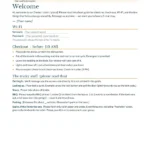
A guidebook only works if guests actually open it. Keep the first page short: Wi-Fi, checkout, and the tricky stuff (the lock, the BBQ, the septic if you have one). Put restaurants and appliance how-tos after that. Here’s a free template you can fill in, send as a link, or leave on the counter.
Free download
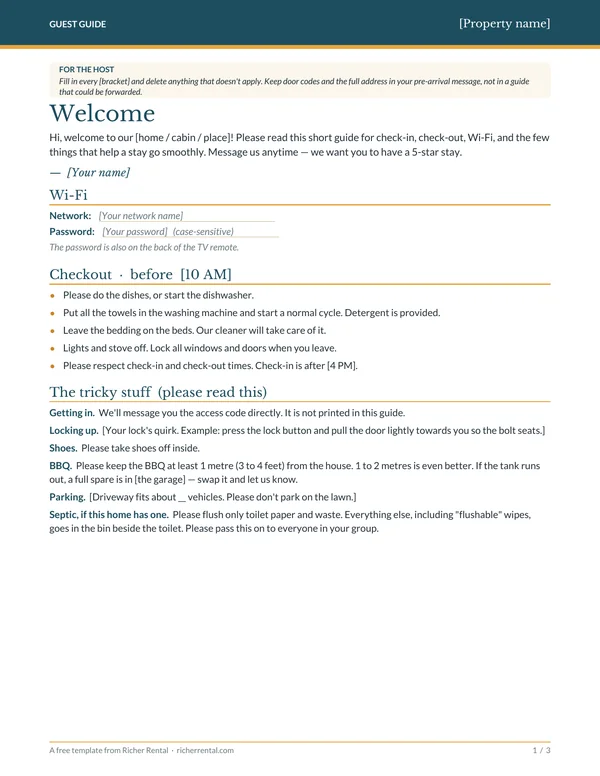
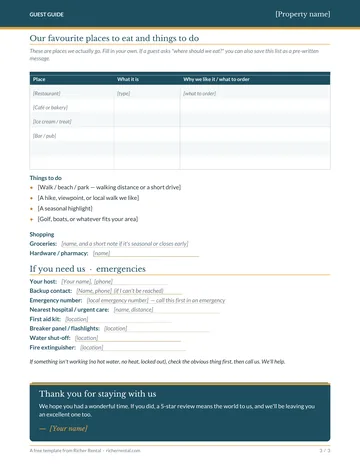
Airbnb welcome book template (PDF + editable)
- A short 3-page guest guide, not a 20-page manual
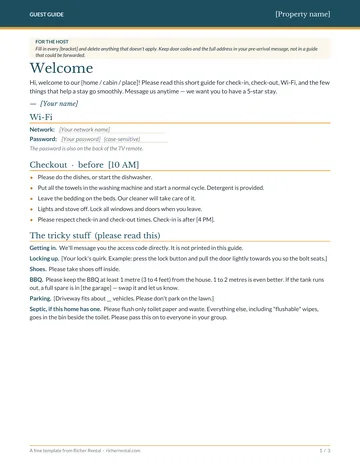
- Page 1: Wi-Fi, checkout, and the things guests get wrong
- Then appliance how-tos, local favourites, and emergency contacts
- Editable Word file so you can type in your own details
What belongs on the first page
Guests look up Wi-Fi first, then checkout, then the one weird thing about your place — the lock that needs a pull, the BBQ that has to stay off the siding, the septic system. If those are on page 1, most of the “quick question” messages go away.
- A short welcome that sounds like you, not like a hotel binder.
- Wi-Fi on the first page, and also on the back of the TV remote.
- Checkout in a short list: dishes, towels in the wash, leave the bedding, lights off, lock up.
- The tricky stuff: how the lock works, shoes off, BBQ distance, parking, and a septic note if you need one.
Keep door codes and the full address out of the guide, especially if you’re going to send it as a link. Those go in the pre-arrival message.
What to put on the next pages
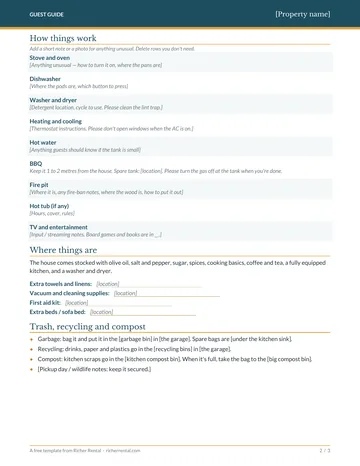
- How things work. Stove, dishwasher, washer and dryer, the thermostat, hot water, the BBQ, and anything unusual. A photo of where something lives cuts more questions than a paragraph.
- Where things are. Extra towels, the vacuum, the first aid kit, spare bags.
- Local favourites. Restaurants and walks you actually use, not a copied list. When a guest asks “where should we eat?”, you can also save this as a pre-written message.
- Emergencies. Your number, a backup contact, the local emergency number, and where the first aid kit and breaker panel are.
How to use the template
- Fill in every [bracket] and delete anything that doesn’t apply. The Word file is the easiest way to do that; the PDF is there if you just want to print and write on it.
- Send the link in a message a few days before check-in. A guide that only lives on the counter gets opened less often than one that arrives on their phone.
- Leave a printed copy on the counter anyway, for the person in the group who didn’t read the message.
- Update it when something changes — a new lock, a closed restaurant, a different backup contact.
Welcome book FAQ
Is the template really free?
Yes. Enter your email above and you’ll go straight to the download page for the PDF and the editable Word file.
Can I use this as a digital guidebook?
Yes. Fill it in, export or copy the sections into a Google Doc, a simple web page, or whichever guidebook tool you already use, and send the link in your pre-arrival message.
Should I include the door code?
No. Keep the access code in a direct message. A guidebook gets screenshotted and forwarded; a code in a message is easier to change.
How long should a welcome book be?
Short. Three pages is plenty if the first page has Wi-Fi, checkout and the quirks, and the rest is how-tos and local tips. A long binder is where useful information goes to hide.
If you want the rest of the print-ready signs, guest guides and checklists in one place, they’re in the 5-Star Host Kit.
Get the free welcome book template
A 3-page PDF plus an editable Word file, along with the rest of my free host toolkit.